Why it is not signed yet
We built ApexMark Monitor ourselves and know what it contains: no malware, no adware, no tracking. We also give you the means to check, instead of asking you to take our word for it. The app is not code-signed yet, so macOS and Windows warn you the first time you open it. That warning says the publisher is unknown to the system. It does not say the file is harmful.
Apple’s Developer ID notarisation and Windows code-signing certificates are paid programmes, and we have not enrolled in them yet. Signing is planned. Once the app is signed, the warnings will go away and this page will say so.
What the app does
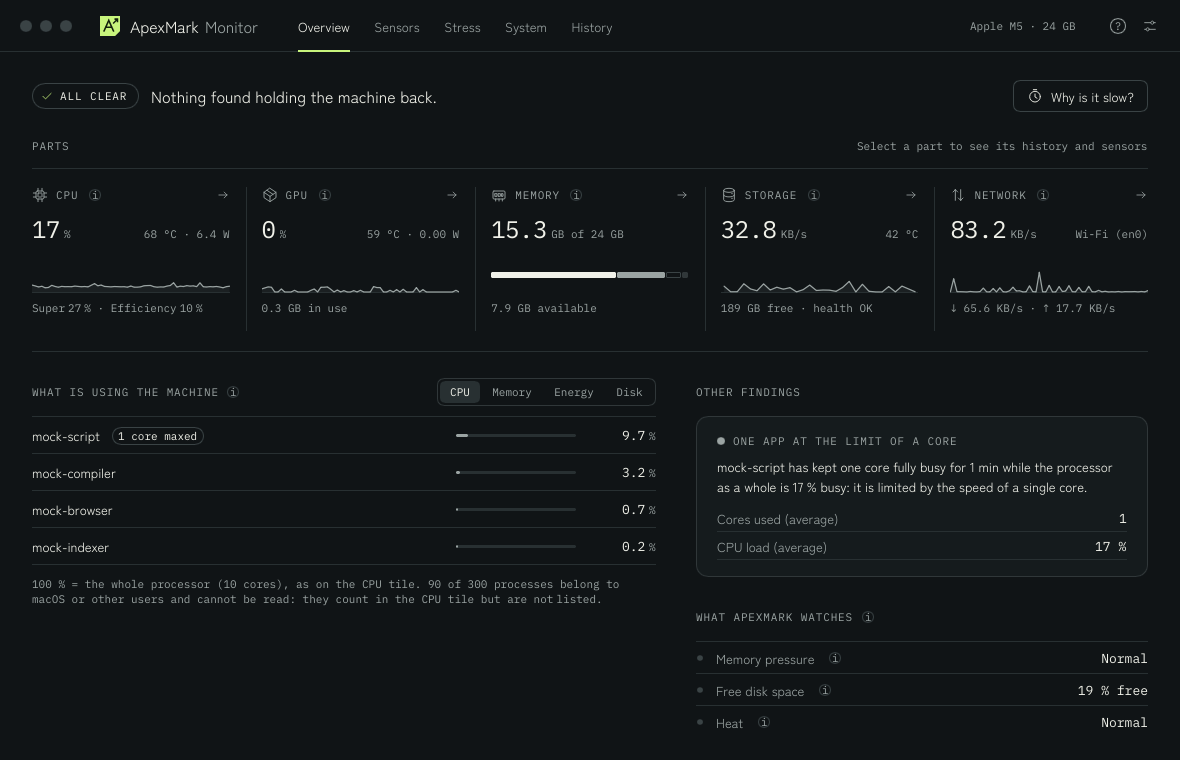
- Reads sensors and system statistics on your computer: processor, graphics, memory, storage, network adapters, battery, temperatures, fans and power.
- Runs as your own user and installs no driver in this version. On a Mac it never asks for an administrator password.
- Keeps its history, settings and saved test reports in a folder of your user account.
- Starts only when you open it. Opening it at login is an option, off by default.
- Uses three processes from the same download: the window, a background process that reads the sensors, and a separate process that runs stress tests only when you start one.
What the app does not do
- No account, no sign-in, no ads and no telemetry.
- It sends nothing. In this version it contains no code that connects to the Internet: it uploads no reading, history or system detail, and it does not check for updates. New versions are published on this page.
- It changes nothing on your computer: no fan control, no overclocking, no settings changes.
- It does not install a driver or a kernel extension.
Check your download before you open it
Each file has a fingerprint, its SHA-256 hash, shown on its card above. If the hash of the file on your computer is identical, it is exactly the file we published. Run the command for your system, changing the path if you saved the file elsewhere.
The command prints a 64-character value. It must match the SHA-256 on the card, character for character. If it differs, delete the file, do not open it and write to us at hello@sodigital.be.
VirusTotal compares a file with dozens of antivirus engines. Each card links to the report for its exact file once the scan is done, and you can also look the hash up on virustotal.com. An unsigned program that reads hardware sensors can be flagged by a few engines by mistake; the report shows which ones.